From Figma to Production in Minutes: MCP Workflows for Shipping Real Code
Recently, we built a workflow where an AI agent pulls a Figma design, generates React code, opens it in a browser, tests responsiveness, debugs console errors, and iterates until pixel-perfect. Here's how to set it up.
The "Local Lovable" workflow that turns Figma designs into code
Our team calls this "Local Lovable": full-service, Lovable-style development running locally for faster testing and iteration.
Tools You Need
- Figma MCP Server for your agent to access Figma designs
- ChromeDev MCP Server for browser control and Chrome DevTools
- Claude Code as the orchestration layer
- Runlayer for security and MCP hosting
The Flow
First, using the Builder.io plugin, you can pull a website via URL or import your Figma designs to convert the file into a structured Figma component file. We successfully did this with DBT's demo site and several internal designs. From here, the Figma MCP server can take this structured file and pull it into Claude Code. All layouts, components, spacing, colors, and typography will be imported without you needing to provide screenshots or additional context. Claude Code will then create a React application based on the imported Figma file, and once the initial version is generated, the feedback loop starts.
The ChromeDev MCP Server is what closes the loop. The agent has full access to the browser and can use Chrome DevTools. It's then able to open the web application automatically in a local browser, take screenshots at multiple breakpoints, read console errors and warnings, and compare the rendered output to Figma designs across screen sizes. With this information, it can make code adjustments, repeat the information-gathering process, and iterate until pixel-perfect. This flow creates an automated feedback loop that goes past the typical cycle of agentic development and human review. With this, the agent can test, observe, and iterate as a senior engineer would.
The Unlock
This workflow does things that typical design-to-code tools can't:
- Full browser control: The agent sees what it has built and makes decisions based on actual rendering in a local browser.
- Responsiveness testing: Using Chrome DevTools, the agent automatically resizes the browser and validates mobile, tablet, and desktop layouts.
- Console debugging: The agent can catch and fix errors in real time.
- Local-first: Everything runs in your environment with your tools.
- Composable: You're able to mix and match MCP servers for your specific workflow.
While the Figma and Chrome DevTools combination wasn't planned by either MCP creator, they compose naturally since both follow the MCP protocol. As long as you have a central location to host your MCP servers so they can interact with each other, you can mix any MCPs to create workflows purpose-built for your team.
From production error to merged fix in three minutes
While the Figma solution is worth exploring, many other operational flows can be created to generate production-ready code. One specific feedback loop tackles automatic issue detection and resolution.
Tools You Need
- Sentry, Context7, and/or Datadog for pulling production errors and getting context
- Linear or Jira for ticket management
- Cursor and Semgrep for code generation and security scanning
- GitHub for PR creation
- Slack and/or Notion for notifying engineering teams
- Runlayer for hosting the above MCPs and enforcing access control
The Flow
First, the Sentry or Datadog MCPs pull a production error from the logs. Then, an agent can pull relevant information via the Context7 MCP Server, which delivers current, version-specific documentation for libraries and frameworks. This is important so agents don't need to rely on static, potentially outdated training data. From here, Cursor or another AI code editor can generate a fix for the issue with the full context provided, and Semgrep can scan for any security issues in the proposed fix. Once the fix runs through security checks and testing, the agent will then create a Linear ticket or Jira issue to track the changes and notify the engineering team via Notion and/or Slack MCP server.
Product teams use a variation of this flow. First, the agent pulls relevant tickets specified by the product manager from Linear or Jira for the upcoming sprint. Then, it can use Cursor or another editor to build a rough MVP of the solution and iterate with actual code until the prototype is up to par with the solution design. From there, it can create a structured Linear project with formatted specifications and share it with engineers for review. This bridges the gap between product and engineering, as PMs can validate ideas with working code before creating formal specs.
The Unlock
Our product and engineering teams run both of these flows daily. For the production error flow, the entire detection and resolution loop runs in under 3 minutes. The engineer can review and approve code changes within a few minutes of the issue being logged in Datadog or Sentry.
These flows are also modular. Because each MCP server is plug-and-play, you can connect the tools you already use and switch them out easily. Want to swap Linear for Jira? One config change. Want to add Datadog to your monitoring stack? Add the MCP; no code changes needed.
Why most teams aren't running these yet
If these workflows work, why isn't everyone running them? Three problems.
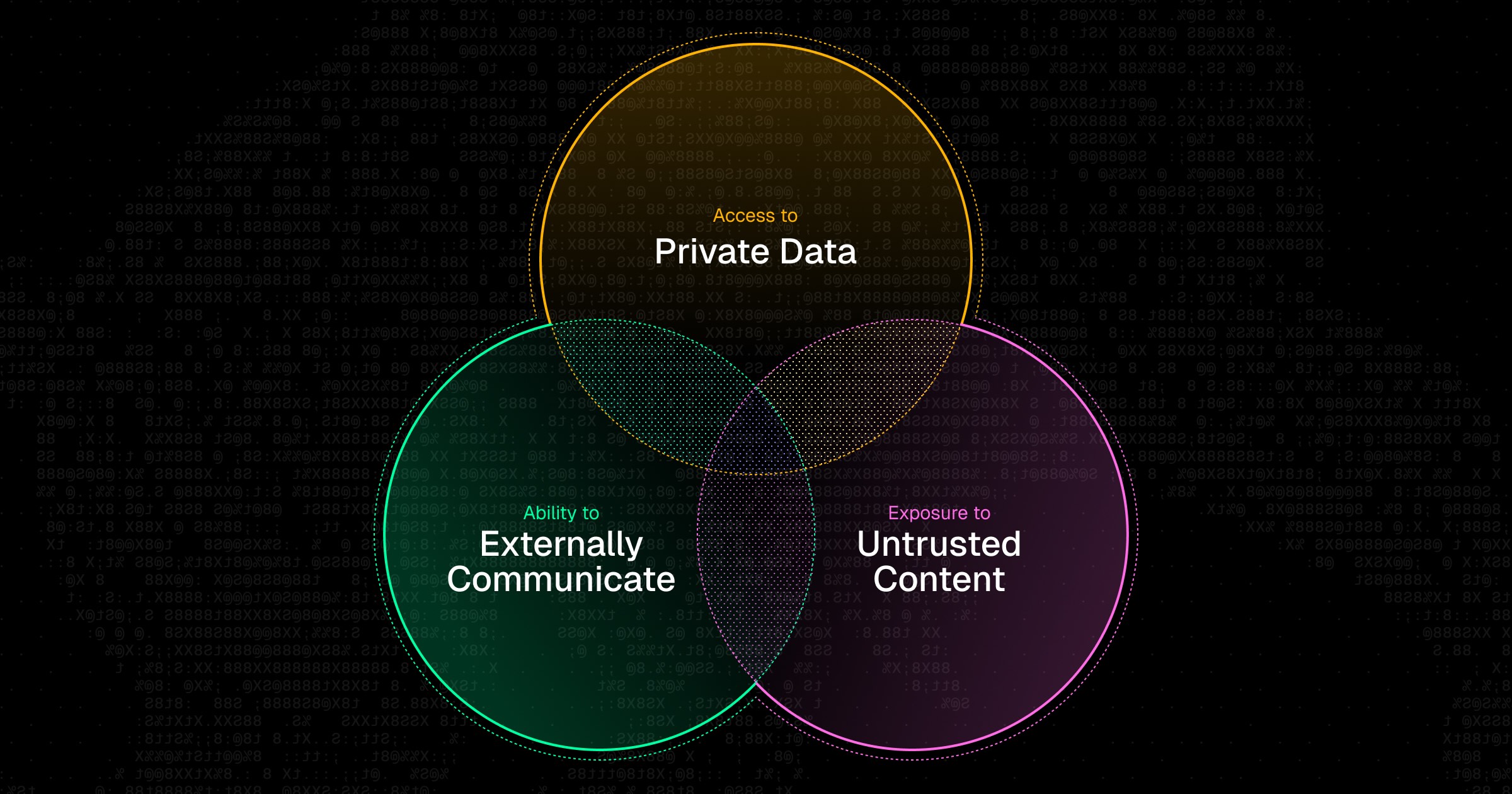
- Security & Trust: Engineers are connecting production Sentry data, GitHub repos, and internal Linear tickets to third-party MCP servers. Most enterprises have zero visibility into what's being exposed.
- Discovery & Sharing: There are 18,000+ MCP servers available. Finding the right ones, configuring them correctly, and sharing them across teams is manual and error-prone.
- Access Control: Not every engineer should have the same level of access to production systems through MCPs. However, most MCP clients are all-or-nothing when it comes to permissions.
Runlayer handles this. You get a shared registry of pre-approved MCPs, role-based permissions, and an audit log of every tool call. Your team connects to the MCPs through whatever client they already use: Cursor, VS Code, Slack, custom agents. No workflow changes.
Chat with us
The Figma workflow we built? We deployed it to our team in 30 seconds using Runlayer, ensuring everyone had access to the same trusted MCPs with the correct permissions. We're running live workshops for engineering teams. Reach out at team@anysource.com if you want a walkthrough for your stack, or follow along as we publish setup guides in the coming weeks.
.jpg)